
Small tips. Everyday shortcuts.
HL7 Soup tips
Quick ways to make working with HL7 messages easier. Each video takes less than a minute, with steps and a transcript to follow along.
-
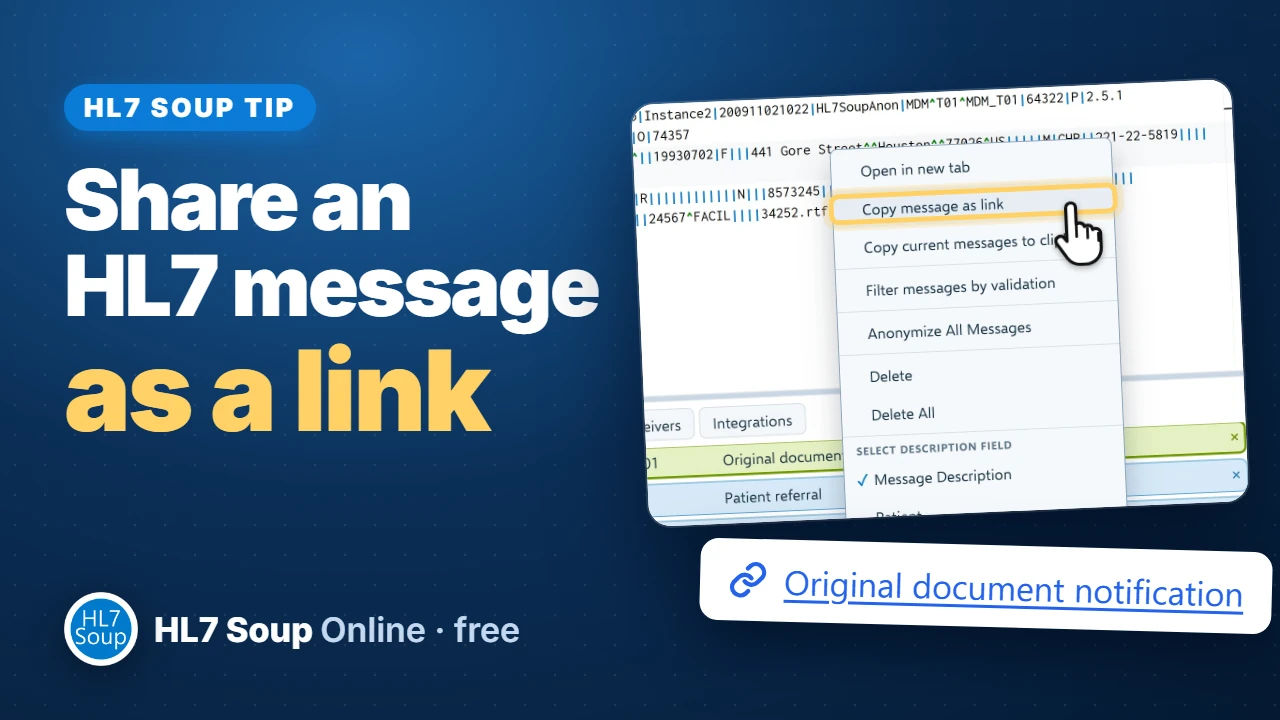 Share an HL7 message as a linkSend a colleague a link that opens your HL7 message in their browser, with a plain-English message story to help them understand it.Watch the tip →
-
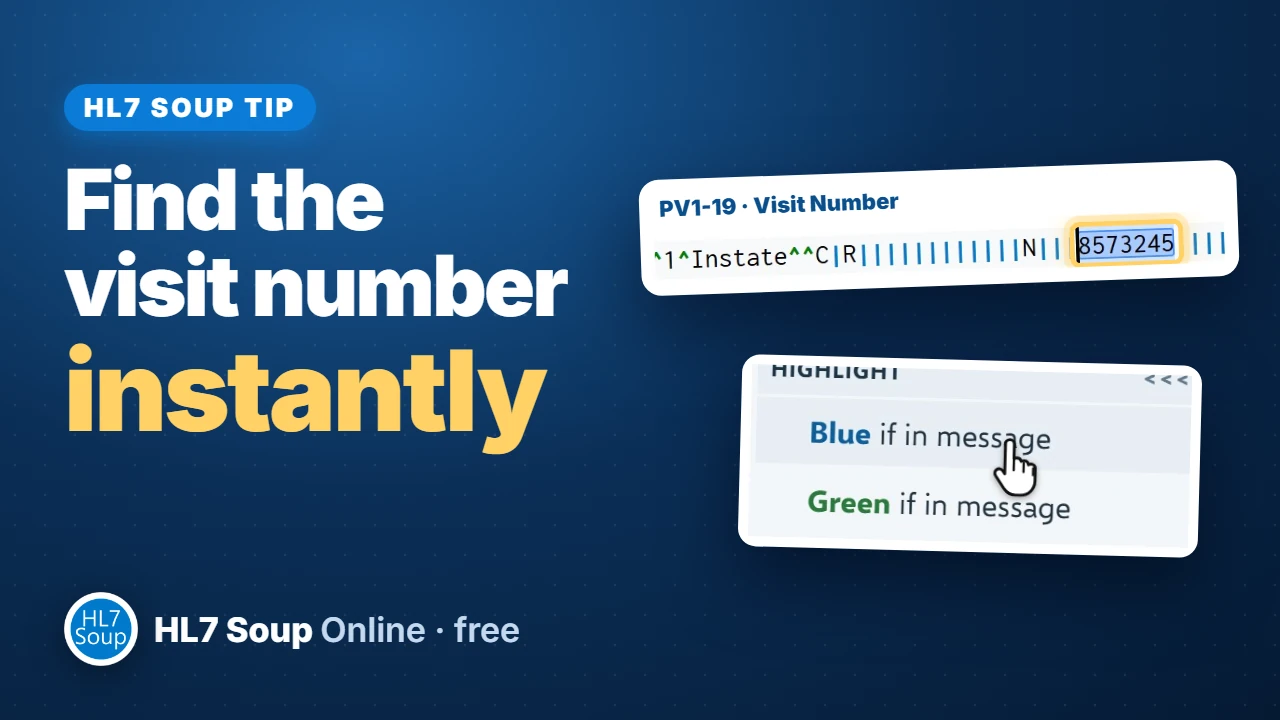 Find the visit number instantlyHighlight PV1-19 once and find the visit number in every message you open. Use another color for the patient MRN or other fields you check often.Watch the tip →
-
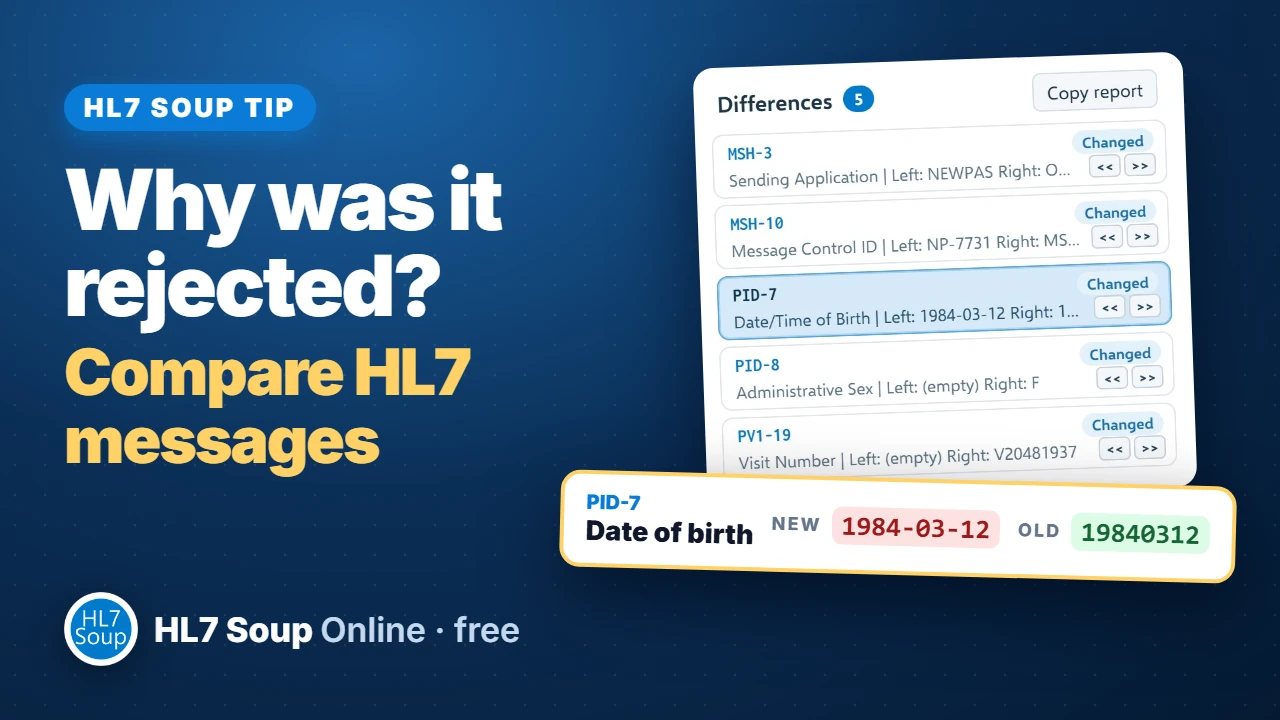 Compare HL7 messages field by fieldOne message works and another is rejected. Line them up by field, find the differences, and copy a report to share with your vendor.Watch the tip →
-
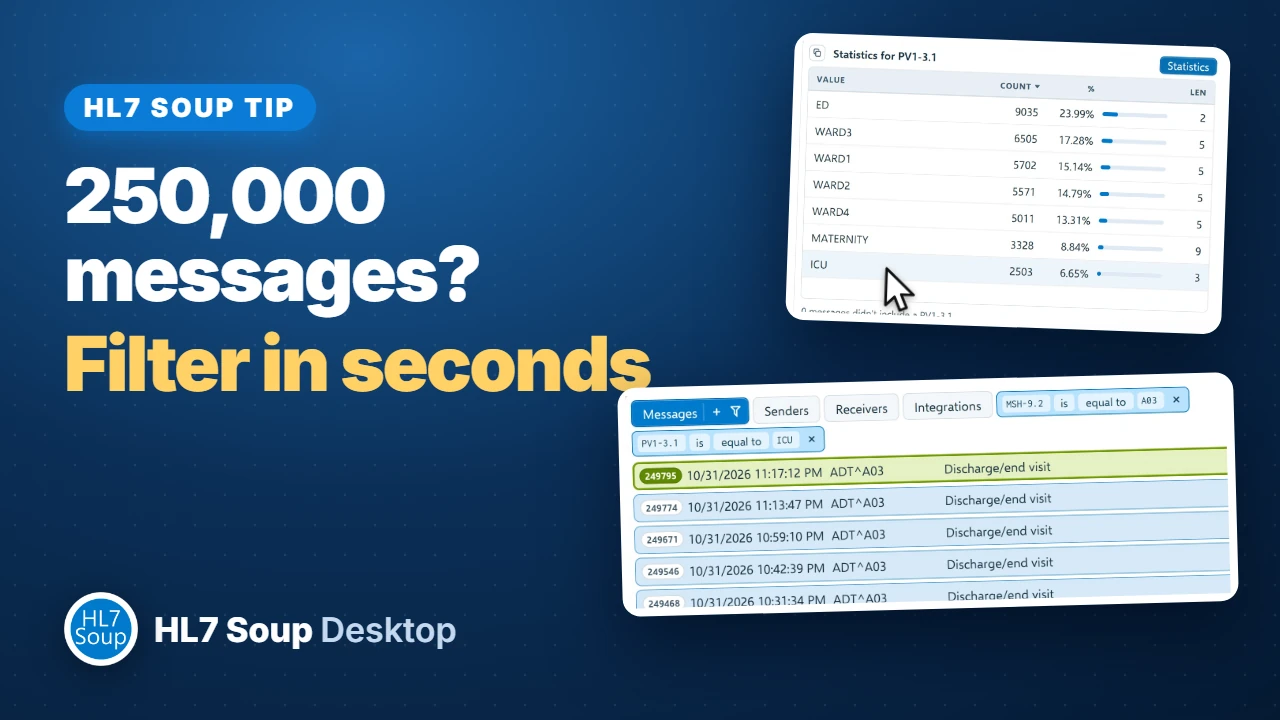 Filter 250,000 HL7 messages in secondsUse Statistics to narrow a quarter of a million messages down to the ICU discharges you need, then copy, download, or send the filtered messages.Watch the tip →
-
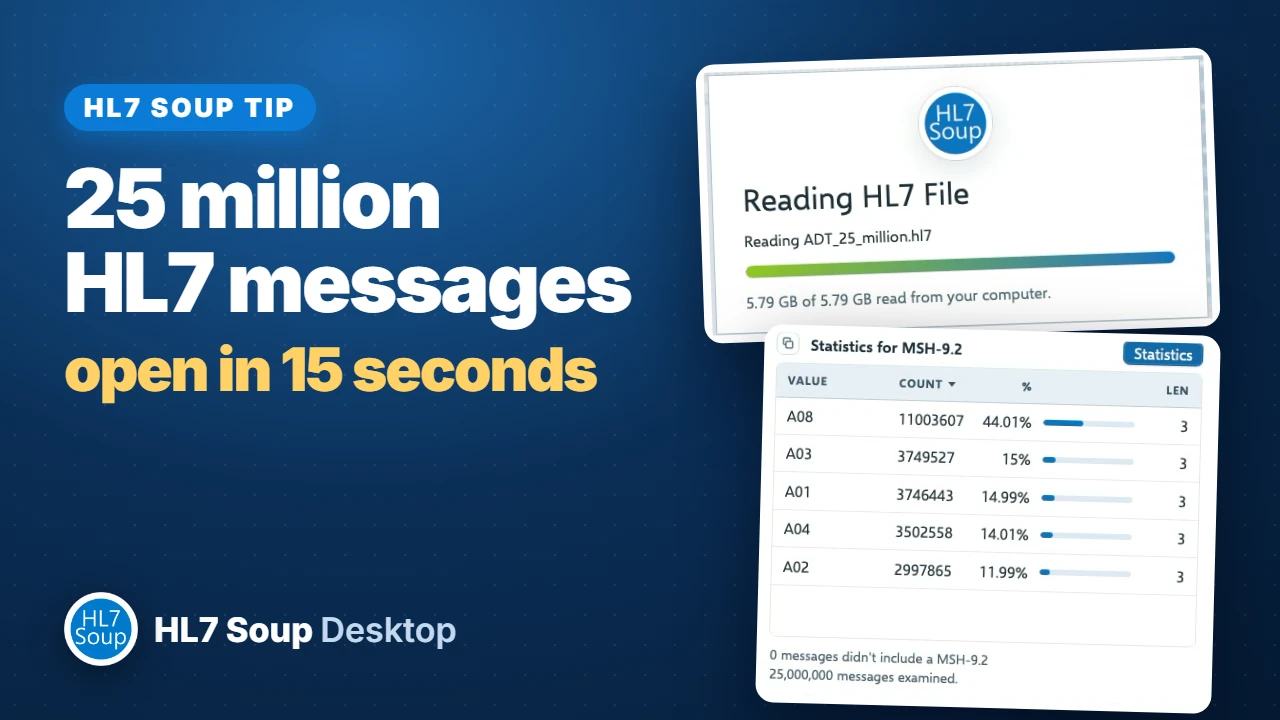 Open 25 million HL7 messages in 15 secondsWatch HL7 Soup Desktop open a 5.79 GB file, browse millions of rows, count field values, and filter to discharges.Watch the tip →
-
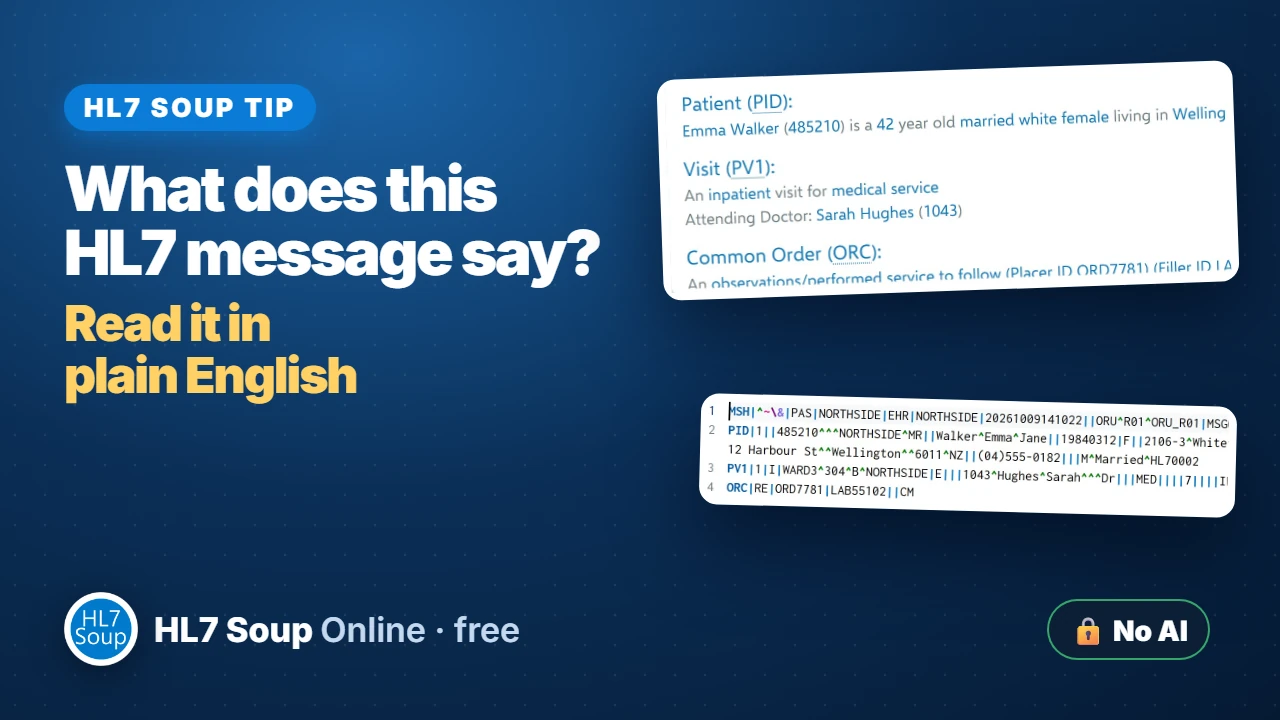 Read an HL7 message in plain EnglishRead the message story above an HL7 message, then click any part of the story to jump to its field. The story is generated by programming, without sending messages to an AI engine.Watch the tip →
-
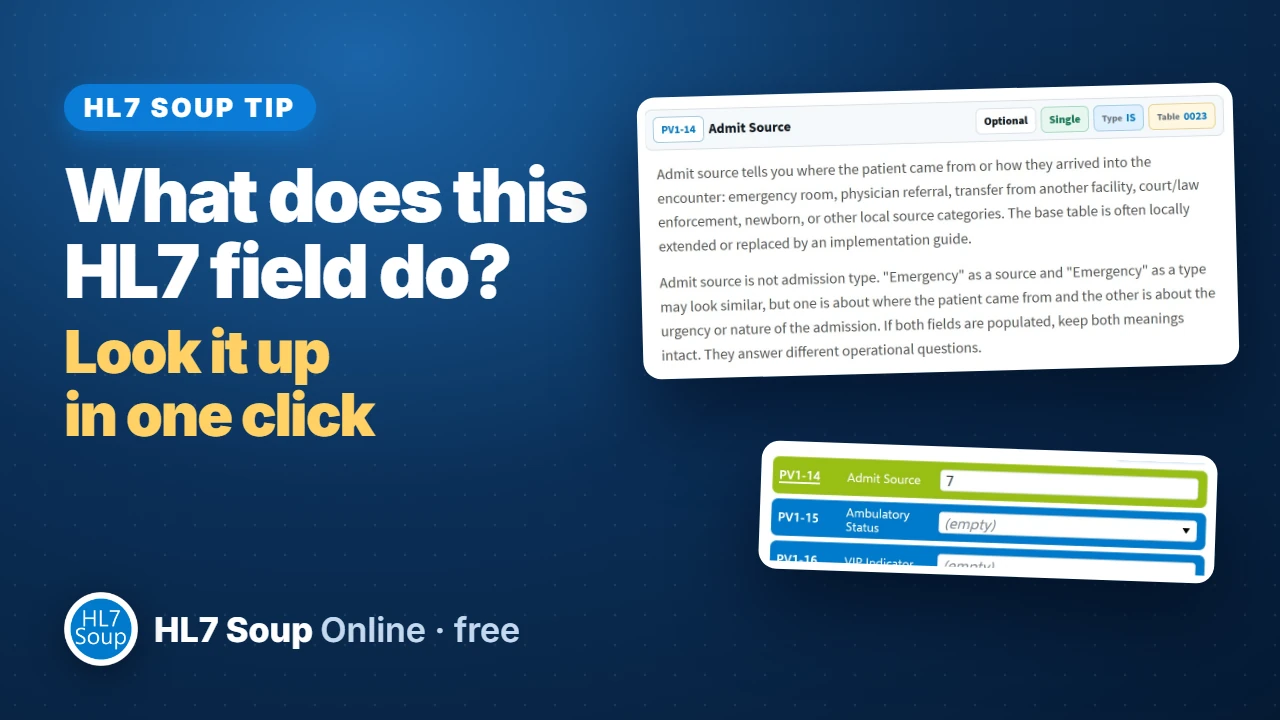 Look up an HL7 field in one clickOpen an HL7 field in the Reference Guide directly from HL7 Soup. Check its data type, code table, and practical notes for your HL7 version.Watch the tip →
-
 HL7 message types and event types explainedUnderstand HL7 message types and event types, then open their definitions, message structures, and practical notes in the HL7 Reference Guide directly from HL7 Soup.Watch the tip →
Looking for a longer walkthrough? Browse the full tutorial directory.