
RTF to PDF Extension Library
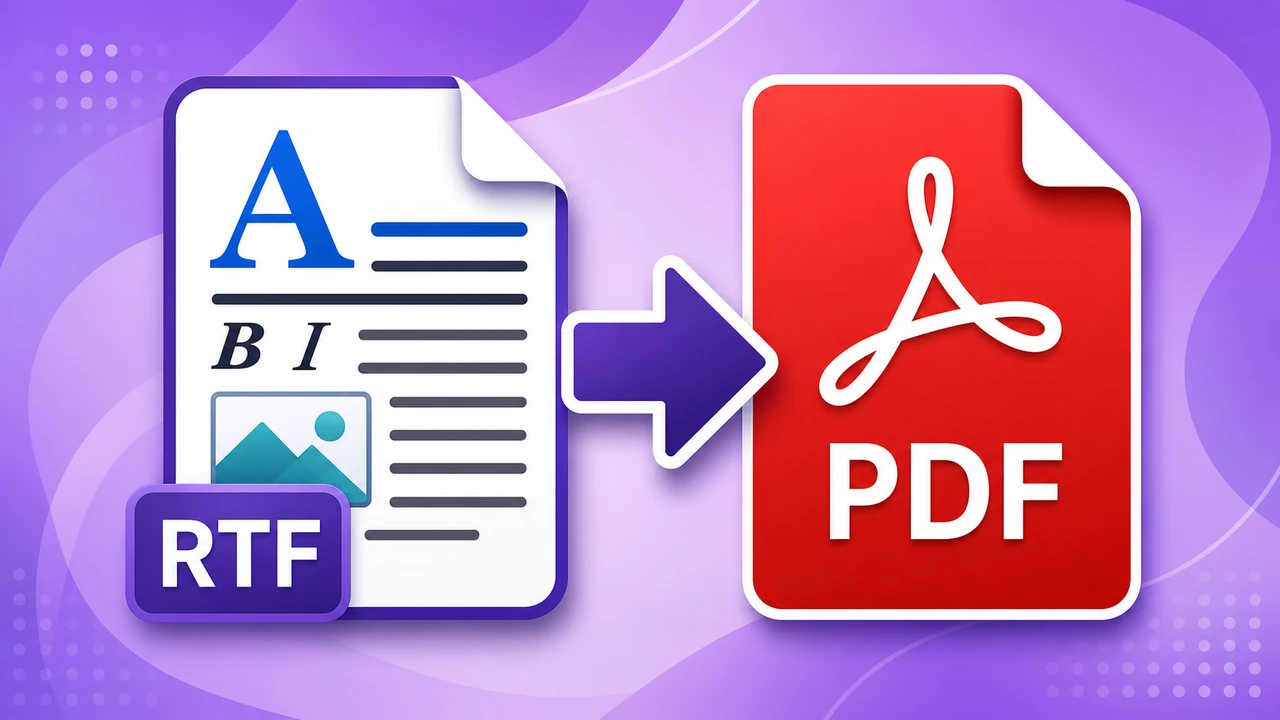
The RTF to PDF Extension Library adds the Convert RTF to PDF activity. It is a strong fit when your workflows receive referrals, letters, or reports as RTF and you want a clean PDF output for storage, review, or onward delivery.
Download IntegrationSoup.RtfToPdfActivities.msi
Using It In A Workflow
1. Run the MSI on the Integration Soup server.
2. Install LibreOffice on that same server if it is not already present.
3. Restart the Integration Soup service if needed.
4. Add Convert RTF to PDF after the step that supplies the RTF content.
5. Open the activity message template and place the RTF there directly, or right click and choose Insert Activity Message or Insert Variable to pull the RTF from an earlier step.
6. Use the response message from this activity wherever you need the PDF next.
What To Place In The Parameters
This activity does not have extra parameter fields. Everything it needs comes from the activity message.
What To Place In The Activity Message
Place the raw RTF text into the activity message. For example, the message can contain {\rtf1\ansi\deff0{\fonttbl{\f0 Calibri;}}\f0\fs24 Sample RTF content.\par}.
If the RTF is already present earlier in the workflow, insert that earlier activity message so the current RTF flows directly into this step.
Requirements
- Install LibreOffice on the Integration Soup server.
- If LibreOffice is not in the default install location, set
RTFTOPDF_LIBREOFFICE_PATHtosoffice.exeorsoffice.com.
What The Activity Returns
The response message is a binary message containing the generated PDF. Inside Integration Soup that binary content is represented as base64 text.
Typical Uses
- Converting clinical documents and letters that arrive as embedded RTF.
- Creating a PDF version of legacy rich text content before archiving or sharing it.
- Normalizing document output so downstream workflow steps receive a consistent file format.
- Extension Library Directory
- HTML to PDF
- RTF to PDF
- Azure Activities
- AWS Activities
- Encryption Activities
- SFTP Activities
- ZIP Activities
- Validate HL7 Transformer
- HL7 Value Transformers
- Data from PDF