
ZIP Activities Extension Library
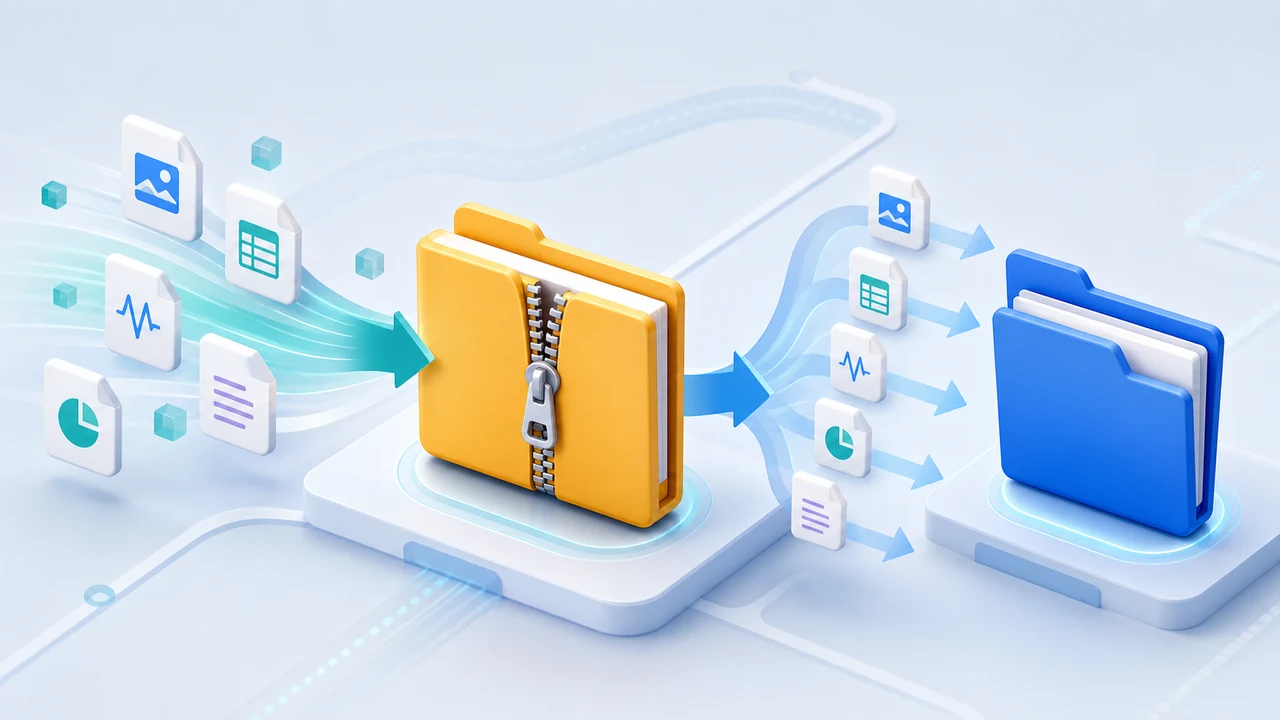
The ZIP Activities Extension Library adds Create ZIP File, Create ZIP Message, and Extract ZIP File. Use it to package a directory for archiving or delivery, return a ZIP archive as a Binary workflow message, or extract an inbound ZIP file into a directory.
Download IntegrationSoup.ZipActivities.msi
Prerequisites
- Integration Soup or Integration Host on Windows.
- Read permission for source directories and ZIP files.
- Write permission for output ZIP paths and extraction directories.
- Enough free disk space for file operations and enough memory when returning a ZIP as a Binary message.
Paths are resolved on the Integration Soup server. If the workflow runs as a service, make sure the service account can access every local or network path you configure.
No separate ZIP application is required. The MSI installs a lightweight activity DLL and a persistent out-of-process ZIP runner.
Create ZIP File
Create ZIP File recursively adds all files, subdirectories, and empty directories under Source Directory to ZIP File Path.
- Source Directory: full path to the directory to package.
- ZIP File Path: full path of the ZIP file to create.
- Include Base Directory: set this to
trueto place the source directory itself at the archive root. Leave it blank orfalseto place the source directory's contents at the root. - Overwrite Existing File: set this to
trueto replace an existing ZIP file.
The activity does not require an incoming activity message. It returns a Text response containing the output path and archived item counts.
Create ZIP Message
Create ZIP Message takes Source Directory and the optional Include Base Directory setting, then returns the archive as a Binary response message.
Use that response with a File Writer, SFTP activity, HTTP activity, cloud-storage activity, or another workflow step that accepts file bytes. For very large directories, prefer Create ZIP File because the Binary form must hold the ZIP data and named-pipe representation in memory.
Extract ZIP File
- ZIP File Path: full path to the archive to extract.
- Destination Directory: full path to the directory that will receive the extracted contents. It is created when needed.
- Overwrite Existing Files: set this to
trueto replace destination files. Leave it blank orfalseto stop before extraction if a destination file already exists.
The extractor recreates nested and empty directories and returns a Text response with the archive path, destination, and extracted item counts. It rejects entries that try to escape the destination directory through absolute paths or .. traversal.
Runner Behavior
ZIP work runs in a persistent helper process installed under the Integration Host Server Custom Libraries\ZipActivitiesRunner folder. Activity calls remain synchronous, and queued workflows wait until their own operation finishes. The runner exits when its parent Integration Soup host process exits.
Typical Uses
- Package generated reports before SFTP or cloud delivery.
- Create a Binary ZIP response and pass it to a File Writer.
- Extract inbound partner archives into a directory for later scanning.
- Preserve nested and empty directory structures in an archive.
- Extension Library Directory
- HTML to PDF
- RTF to PDF
- Azure Activities
- AWS Activities
- Encryption Activities
- SFTP Activities
- ZIP Activities
- Validate HL7 Transformer
- HL7 Value Transformers
- Data from PDF