
HL7 Tutorial Part One: What Is HL7?
What this tutorial explains
This first HL7 tutorial puts HL7 messaging into everyday healthcare context. It starts with a simple hospital visit: registration details, allergies, orders, appointments, and results all need to move between different clinical systems. HL7 is one of the main standards that lets those systems exchange that information in a predictable way.
Use this page as the starting point for the HL7 tutorial series. You do not need to know HL7 segments or fields yet; the goal here is to understand what HL7 is for, why the messages look the way they do, and why a purpose-built viewer makes learning them much less painful.
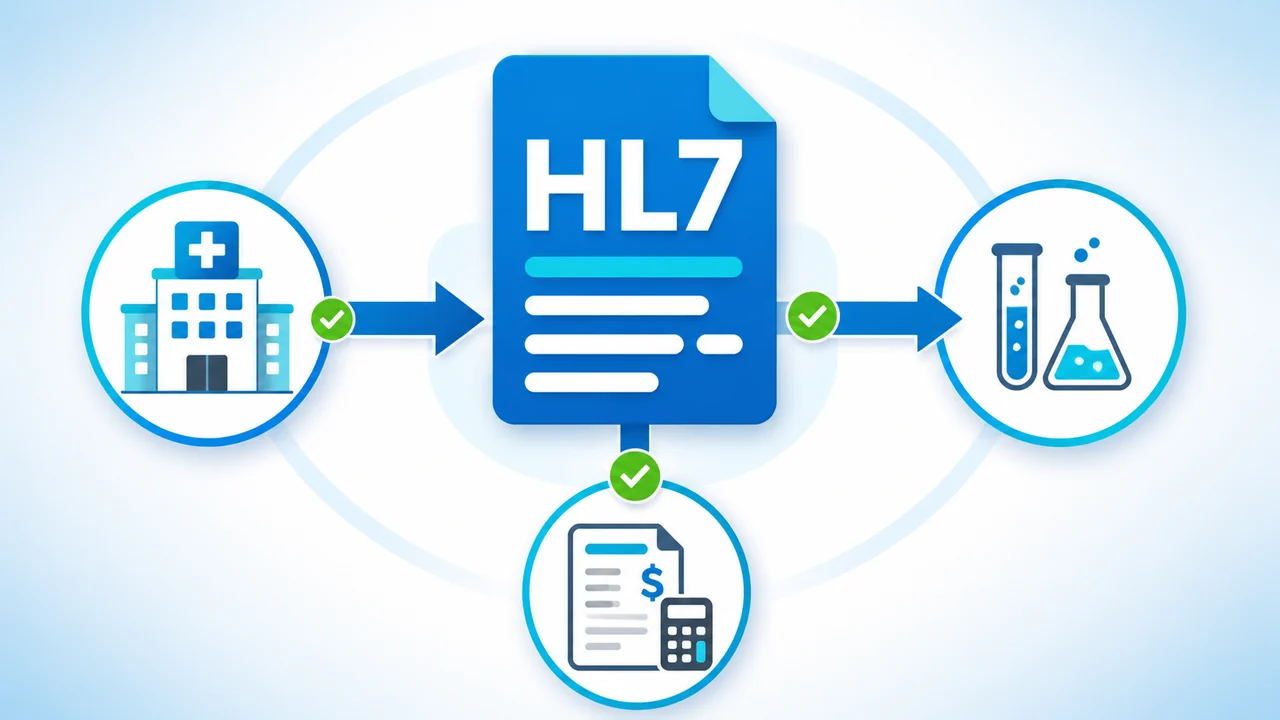
HL7 in plain English
HL7 is a family of healthcare data standards used to move clinical and administrative information between systems. In day-to-day interface work, people often use "HL7" to mean HL7 Version 2 messages: compact text messages that carry events such as registering a patient, placing an order, sending a result, or updating an appointment.
The official standards family includes HL7 Version 2, HL7 Version 3, and FHIR. For formal standards, trademark, and organizational information, the authoritative source is HL7 International.
The practical idea is simple: one system records an event, packages the important details into an HL7 message, and sends that message to another system that needs to act on it.
Why hospitals use HL7 messages
A patient journey touches many different applications. The Hospital Information System may record demographics and visits. A Laboratory Information System needs orders and returns results. A Radiology Information System coordinates imaging. Dictation, billing, scheduling, and medical imaging equipment may all need their own slice of the same patient context.
- Registration: demographic details, next of kin, allergies, and visit information can be sent to downstream systems.
- Orders: lab tests, X-rays, referrals, and appointments can be sent to the systems that perform the work.
- Results and updates: completed results, status changes, and appointment updates can flow back to the systems and people that need them.
The tutorial uses a patient-registration example. In HL7 Version 2, that kind of message is commonly represented as an ADT event, such as an ADT A04 register-patient message.
What an HL7 message looks like
HL7 messages are designed for machines first. They are compact, heavily separated by delimiter characters, and not especially friendly when you first see them. A shortened registration message may look something like this:
If you have not seen HL7 before, that can look pretty scary. Even when you work with HL7 all the time, raw text is not the easiest way to understand a message. The important detail is that each line and separator has a purpose. The next tutorials unpack those pieces: segments, fields, components, message types, and event codes.
How HL7 Soup makes the message readable
HL7 Soup focuses on the human side of the message. It highlights segment headers and field separators, links the raw message to readable interpretations, and shows values in grids so you can see what each part of the message means.
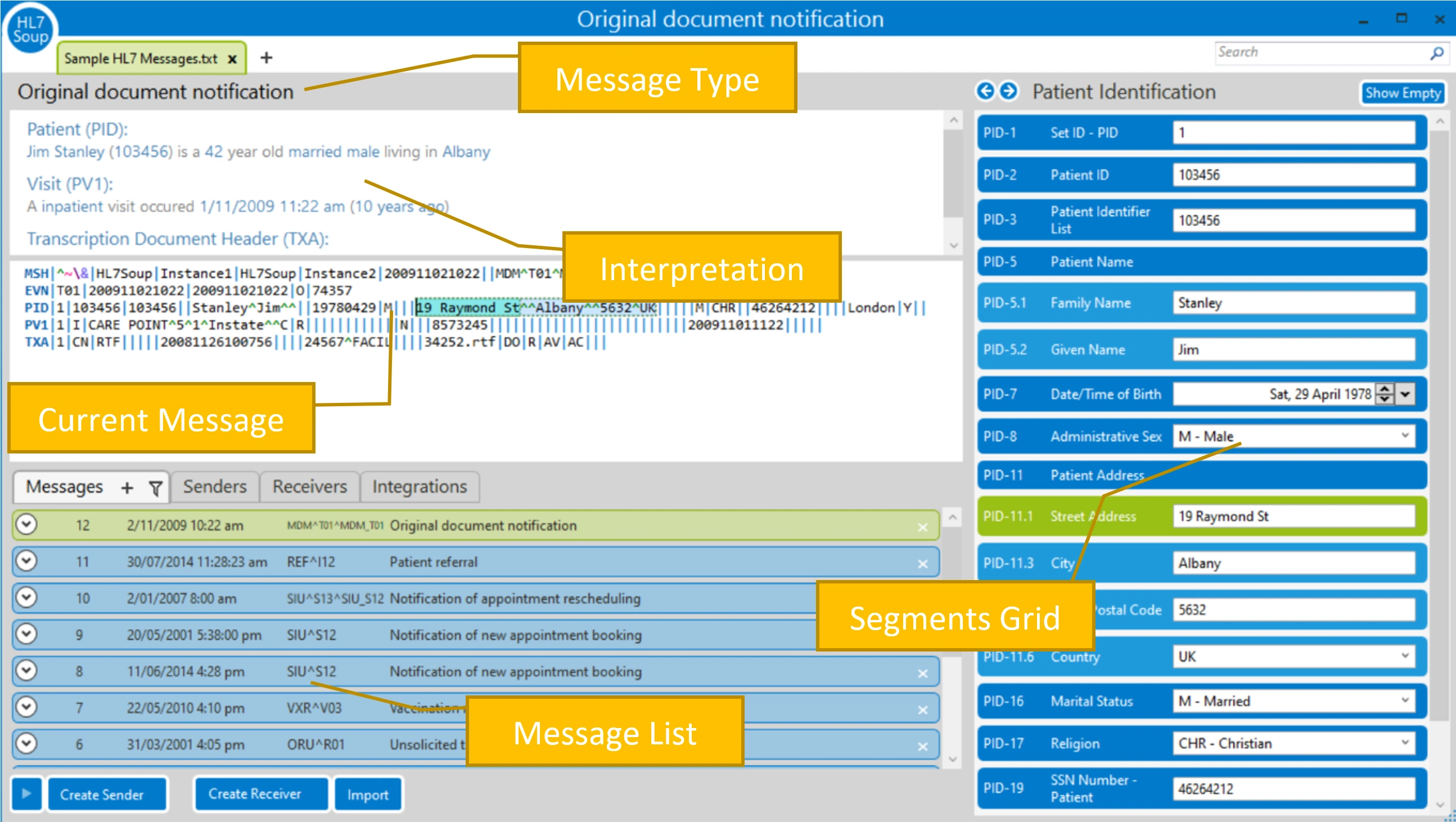
In the video, the raw message turns into something much more understandable: a register-patient message for Sam Brown, a 36-year-old man from Howick, who was seen as an outpatient and attended by Dr. Katrina Allen.
Keep going through the series
This page gives you the context. The next lesson shows how the message is built, including segments such as MSH, PID, NK1, and PV1, and the separators that divide values into fields and components.
- Continue to Part 2: Understanding HL7 Message Structure
- Continue to Part 3: HL7 Message Types
- Introduction to the HL7 Soup Editor
- Validate, highlight, and compare HL7 messages
- Return to the HL7 tutorial directory
Download 30 Day Free Trial of HL7 Soup
Video Transcript
Read the full transcript
Hello and welcome to this first video in the series of HL7 messaging tutorials, where we look at that most fundamental of HL7 questions: what is HL7?
Let's imagine that you've injured yourself and need to visit the hospital. Upon your arrival, you're requested to fill out a form to provide your personal information. Details such as your name, date of birth, next of kin, allergies, and other personal information are all filled out on the form.
You hand this form back to the staff, who then enter these details into the Hospital Information System, or HIS.
After waiting a pleasantly short period of time, you meet with your doctor. You discuss your injuries and are examined by her. After assessing your condition, she decides to order a series of X-rays, blood tests, and schedules future appointments. These are also entered into the HIS.
This information is now needed by other medical staff and their computer systems so they can be prepared and able to continue the process of caring for your injuries.
This is where HL7 comes into the picture. HL7 is a set of standards for transferring clinical and administrative data between hospital information systems. It's like a language that describes you and your medical information to all the hospital information systems. And the best thing is that all the systems speak the same language.
So when the HL7 message is received by other computer systems, it can be unpackaged and understood. These applications, in turn, present your information to those that need it.
HL7 is designed to work with every facet of your care, including specialized software such as digital dictation, Laboratory Information Systems, Radiology Information Systems, and medical imaging equipment.
So let's take a look at an HL7 message and see how it's built.
Yes, I agree, if you haven't seen an HL7 message before, this is pretty scary. Even if you work with this all the time, it isn't exactly the easiest message to read. Let's face it, it was created for machines to understand, not people.
That's where a professional HL7 message viewer and editor comes into play. In this tutorial series we'll be using HL7 Soup, as it focuses on the human side of the message, highlighting just what is important and simplifying learning about HL7 messaging.
But it's also because there's a 30-day free trial that you can download and install, allowing you to work at your own pace as you follow me through this tutorial.
Let's zoom in so we can look at the same message in detail. We can see right away that this message is one to register a patient. Further, we can see details about the patient that's been registered.
It's Sam Brown, a 36-year-old man who lives in the city of Howick. And he was an outpatient two months ago, where he was attended by Dr. Katrina Allen.
If you'd like to work through this tutorial series with me, then I encourage you to download the free 30-day trial of HL7 Soup from www.integrationsoup.com. You can then follow me with the same message examples that I'm using throughout this tutorial.
In the next lesson, we'll take a closer look at the HL7 message structure.